
You set up a second ad account, switch profiles, and within hours everything gets flagged. Same device. Same fingerprint. The platform saw right through you.
If you run multiple accounts for ads, dropshipping, or affiliate campaigns, you already know how fast bans happen. One leaked browser fingerprint can undo weeks of work.
Anti-detect browsers promise a fix. They isolate each profile with its own digital identity, so every account looks like a separate user. But not all of them actually deliver, and a few quietly fail when it matters most.
So which ones hold up under real pressure? Some names you trust might surprise you, for better or worse.
What Is an Anti-Detect Browser and How Does It Mask Your Fingerprint
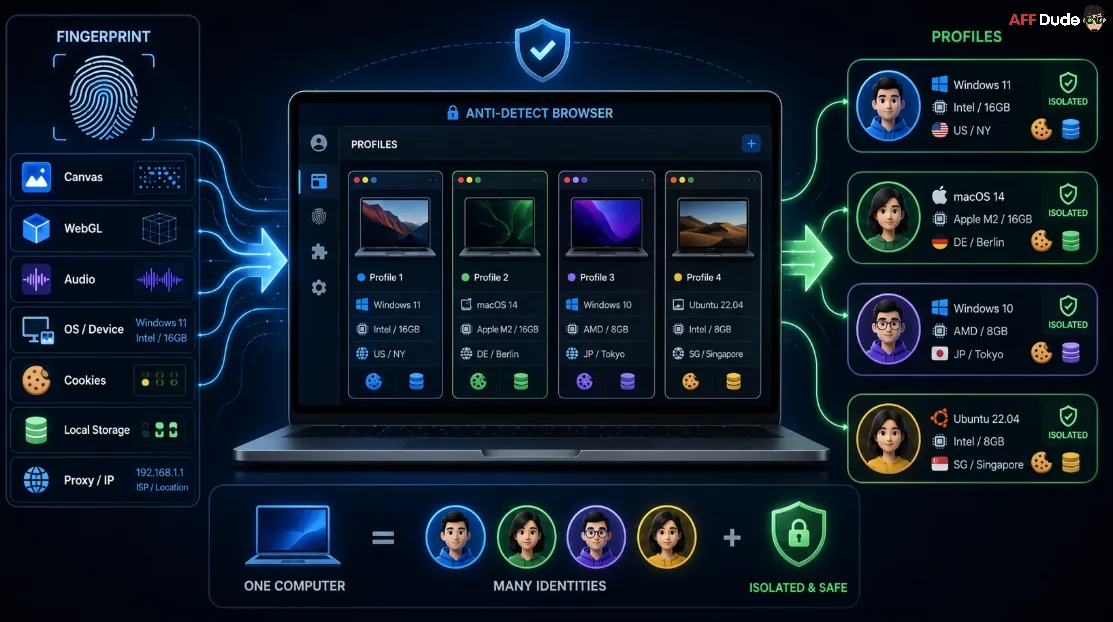
An anti-detect browser is a specialized web tool built to manage multiple accounts by isolating and spoofing your digital footprint. When you normally browse the internet, websites collect hundreds of data points about your device—like your operating system, screen resolution, fonts, and graphics hardware—to build a unique profile known as a browser fingerprint.
If you run multiple ad accounts or e-commerce stores from the same fingerprint, platforms quickly link them together and issue bulk bans.
Instead of just hiding your IP address like a VPN, an anti-detect browser creates distinct, virtual browser profiles. Each profile gets its own synthetic fingerprint that looks exactly like a normal, separate user device to tracking scripts.
To pull this off, the software injects specific noise into advanced web APIs like Canvas, WebGL, and AudioContext. It also isolates cookies, local storage, and cache for each session so no data leaks between your profiles. By combining this fingerprint masking with dedicated proxies, you can safely operate hundreds of isolated accounts from a single computer without triggering anti-bot security systems.
This complete separation is what makes these browsers essential for marketing and scraping at scale, but the exact methods they use to beat tracking scripts are constantly evolving.
Powerful Anti-Detect Browsers for Fingerprint Protection
| Best Anti-Detect Browsers | Primary Use Case | Key Strength |
|---|---|---|
| Multilogin | Enterprise multi‑accounts | Advanced fingerprints |
| GoLogin | Small teams SEO | Cross‑platform profiles |
| Dolphin Anty | Social ad accounts | Social automation focus |
| Octo Browser | High‑scale agencies | Stable fingerprint engine |
| Incogniton | Beginners testing | Free starter plan |
| MoreLogin | Growing teams | Affordable bulk profiles |
| Undetectable | High‑risk accounts | Maximum anonymity |
| VMLogin | Devs and scrapers | Strong automation APIs |
1. Multilogin
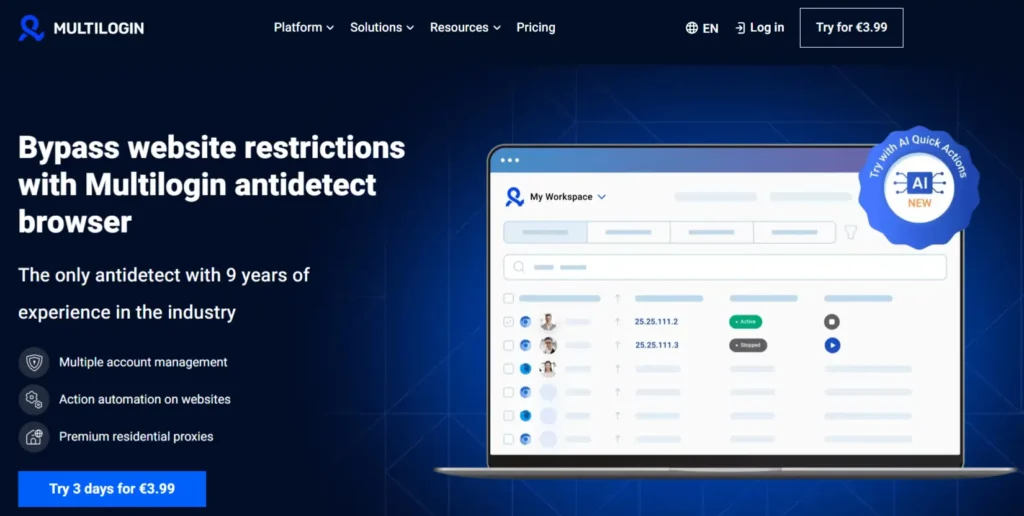
Securing the first position in our list of anti-detect browsers, Multilogin is built for marketers, agencies, and enterprise teams managing large numbers of online accounts. Running dozens of ad accounts at the same time often leads to mass bans once platforms detect linked browser fingerprints or shared device data.
Multilogin solves this by creating fully isolated browser profiles with unique digital fingerprints powered by its proprietary Mimic and Stealthfox browser engines. The platform is specifically designed for high-volume account management, offering strong profile stability and reduced detection risks across advertising and social platforms.
It suits serious operators handling client work, affiliate campaigns, or large-scale account management rather than casual users. Teams rely on it for cookie isolation, shared profile access, and reliable automation, making it a long-standing choice among heavy multi-accounting professionals.
Multilogin Key Features
Best for: Reliable enterprise-grade multi-accounting where agencies need stable profiles, strong fingerprinting, and team-based workflow control.
🔥 Get 50% Off Multilogin — Exclusive AFFMAVEN Deal
Manage multiple ad accounts with greater confidence using isolated browser profiles, advanced fingerprint protection, and team collaboration tools.
Use code AFFMAVEN50 to unlock 50% off your Multilogin subscription and scale your operations for less.
2. GoLogin
Coming in at the 2nd position in our list of anti-detect browsers, GoLogin is a strong option for solo marketers and small teams looking for reliable anonymity without paying enterprise-level pricing. The platform allows users to manage multiple browser profiles while masking JavaScript fingerprints to reduce detection risks across websites and advertising platforms.
It is commonly used for safe SERP tracking, competitor research, and multi-account management. GoLogin also supports Windows, macOS, Linux, and Android, making it a flexible choice for users working across different devices and operating systems.
It fits freelancers, small agencies, and SEO professionals handling moderate account volumes. Users value its cloud-based profiles, beginner-friendly interface, and built-in proxy options, which make day-to-day multi-accounting straightforward without heavy technical setup.
GoLogin Key Features
Best for: Reliable everyday multi-accounting where solo users and small teams want affordability, cross-platform access, and easy setup.
3. Dolphin Anty

Social media managers juggling dozens of profiles often struggle with manual, repetitive tasks. Dolphin Anty focuses on this gap, offering an anti-detect browser well suited to social media management and frequent automation updates. It centralises profile creation and ongoing account activity in one workspace.
It appeals to affiliate marketers and media buyers working heavily within Facebook and TikTok ecosystems. Practical benefits include automation scripts, bulk profile creation, and proxy management, helping users maintain many isolated accounts with less daily effort.
Dolphin Anty Key Features
Best for: Reliable social media multi-accounting where media buyers manage large Facebook and TikTok ad portfolios efficiently.
🔥 Save 20% on Dolphin Anty With AFFBYTE20
Scale your Facebook and TikTok campaigns with less manual work. Use code AFFBYTE20 to get 20% off Dolphin Anty and streamline profile management, automation, and account isolation.
4. Octo Browser
High-volume operators need profiles that stay stable and undetected under heavy daily use. Octo Browser is built around strong fingerprint management and consistent performance, making it a frequent top pick for demanding 2026 workflows. It emphasises clean fingerprints and dependable session handling.
It suits agencies, traffic arbitrage specialists, and teams running continuous operations. Users highlight its reliable automation, regular fingerprint updates, and structured team management as practical strengths for scaling without triggering bans.
Octo Browser Key Features
Best for: Reliable high-intensity multi-accounting where agencies need fingerprint accuracy, stability, and structured team workflows.
🎯 Exclusive 30% Discount on Octo Browser
Protect your accounts with regularly updated fingerprints and powerful session isolation. Enter AFFNINJA30 at checkout and enjoy 30% off your Octo Browser subscription.
5. Incogniton
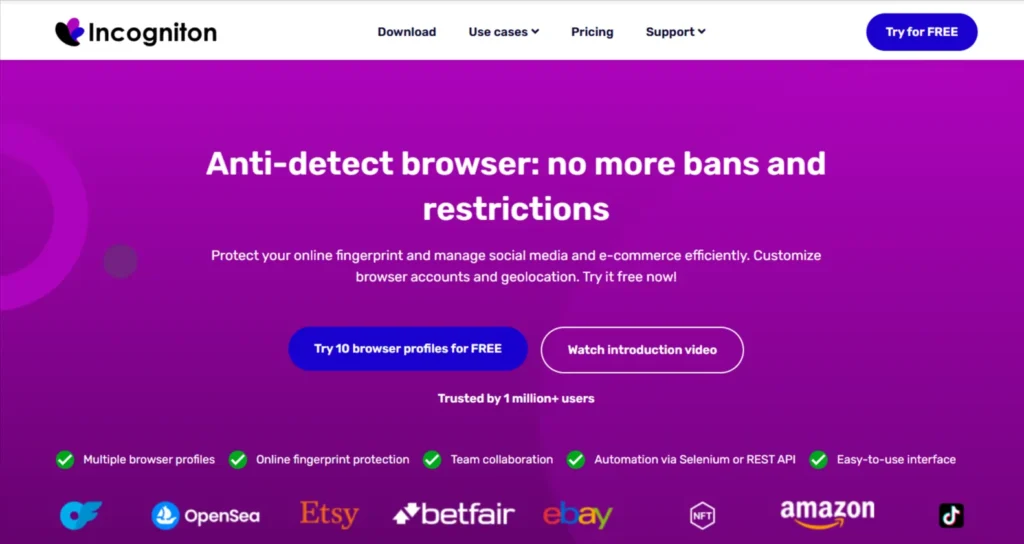
Incogniton helps newcomers who want to test multi-accounting before committing to paid plans. It is a free-to-start anti-detect browser offering a limited number of profiles, making it a practical entry point. It combines fingerprint management with a manageable learning curve.
Incogniton fits beginners, small e-commerce sellers, and users managing a handful of Facebook ad accounts. Benefits include profile templates, basic automation, and proxy integration, giving new users hands-on experience without immediate cost.
Incogniton Key Features
Best for: Reliable entry-level multi-accounting where beginners and small sellers want a free, approachable way to start safely.
6. MoreLogin
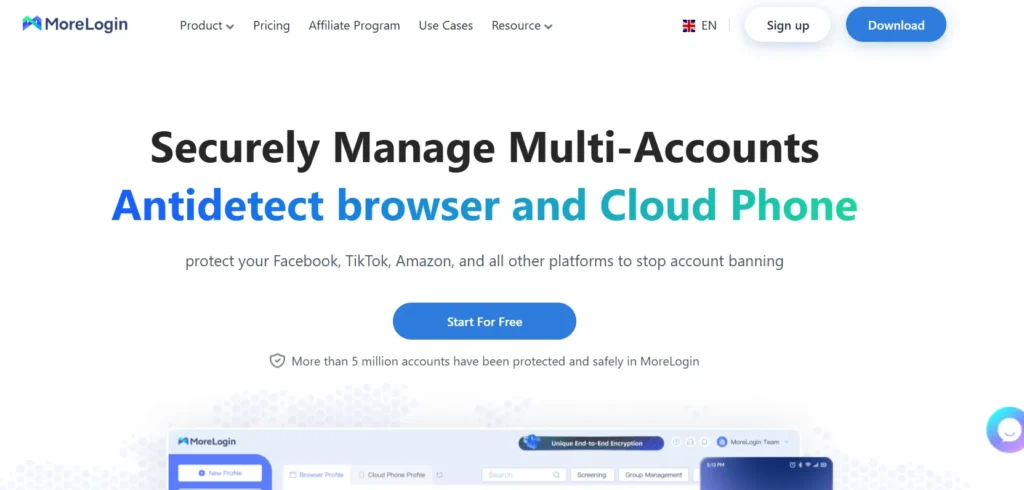
Users scaling beyond a few accounts often need affordable bulk profile capacity. MoreLogin provides this with a balance of free and paid tiers, supporting fingerprint isolation across many profiles. It centralises profile, proxy, and team management in a single dashboard.
It suits growing teams, dropshippers, and marketers expanding their account base steadily. Practical strengths include synchroniser tools for controlling multiple windows at once, alongside automation and proxy handling for efficient scaling.
MoreLogin Key Features
Best for: Reliable scaling multi-accounting where growing teams need affordable bulk profiles and batch control tools.
💼 Scale Smarter With 15% Off MoreLogin
Manage hundreds of isolated profiles from one dashboard while keeping costs under control. Use AFFMAVEN to save 15% and streamline your multi-account workflow.

7. Undetectable
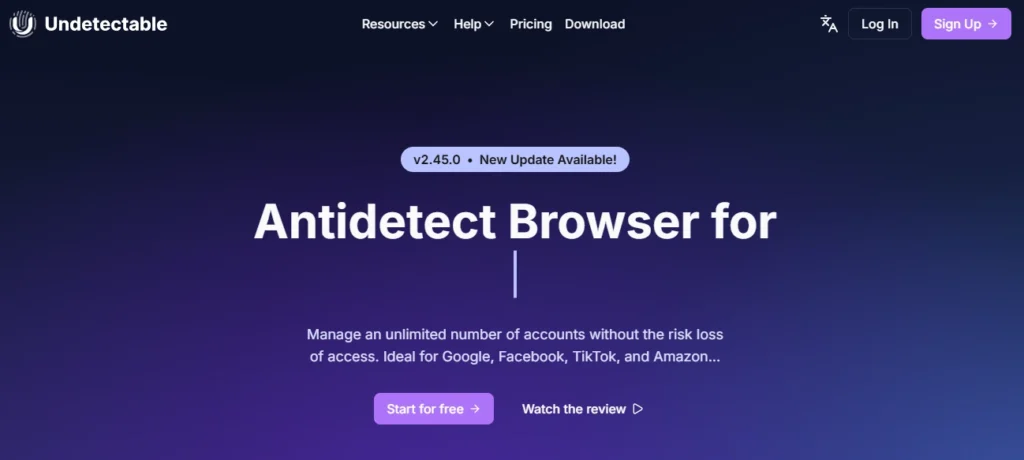
Operators handling sensitive accounts often prioritise maximum anonymity over extra features. Undetectable centres on strong fingerprint isolation and high stealth, aiming to keep profiles indistinguishable from real users. It focuses on clean, configurable fingerprints for cautious workflows.
It appeals to privacy-focused users, scrapers, and professionals managing high-risk accounts. Users value its detailed fingerprint controls, profile cloud storage, and proxy flexibility, which support careful, separation-focused account management.
Undetectable Key Features
Best for: Reliable high-anonymity multi-accounting where privacy-focused users manage sensitive accounts needing strong stealth.
8. VMLogin
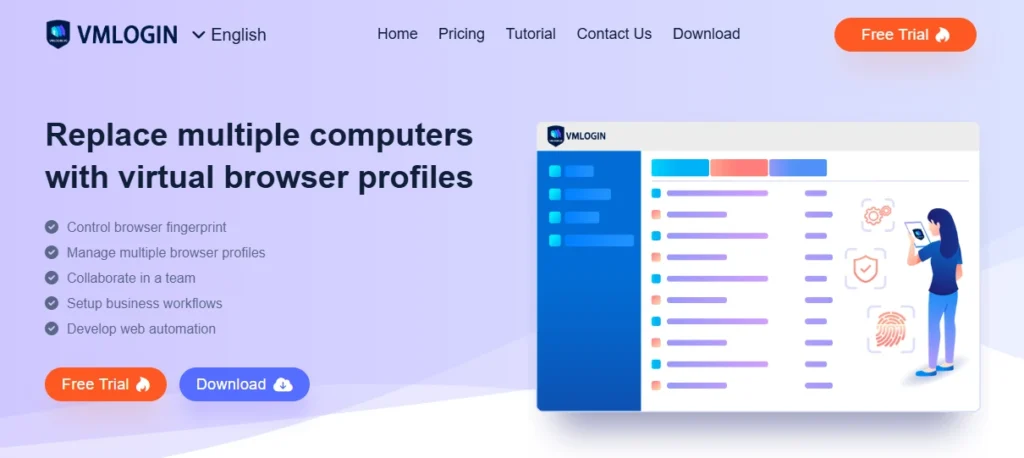
Rounding out our list of anti-detect browsers, VMLogin is built for developers and data teams that need reliable browser fingerprint management alongside automation support. The platform is designed specifically for technical workflows, combining profile isolation with strong Selenium integration and API compatibility for large-scale scraping and automated account management.
VMLogin also focuses heavily on profile stability, making it a practical option for users who require consistent programmatic control across multiple browser environments.
It suits scraping specialists, QA testers, and technical marketers running automated data tasks. Benefits include batch profile import, team sharing, and reliable proxy handling, helping technical users maintain many isolated sessions programmatically.
VMLogin Key Features
Best for: Reliable automation-driven multi-accounting where developers and scrapers need API control and stable, scriptable profiles.
How Anti-Detect Browsers Beat Modern Fingerprint Tracking (Canvas, WebGL, Audio)
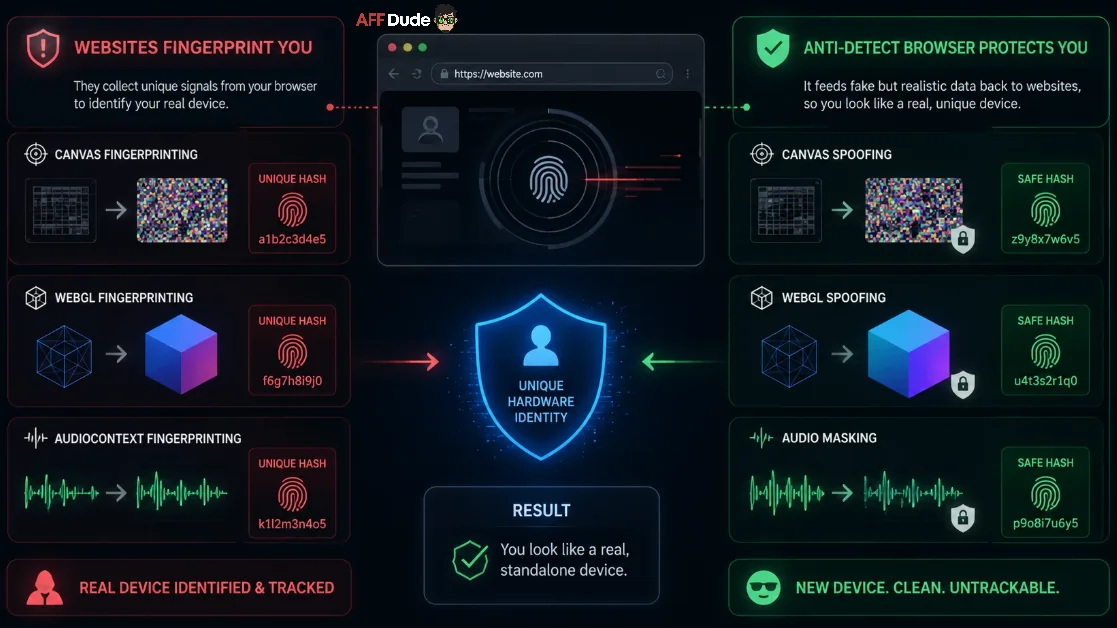
Modern websites don't just check your IP address; they force your browser to render hidden graphics and sounds to build a strict hardware profile. Anti-detect browsers beat this tracking by feeding fake, yet realistic, data back to these security scripts.
Here is exactly how they neutralize the most aggressive tracking methods:
By manipulating these hardware-level signals, these tools ensure your virtual profiles look exactly like real, standalone devices. But theory is one thing—seeing if they actually survive under pressure requires rigorous stress testing.
AFFDude's Final Take on Anti-Detect Browsers
After testing these tools across real campaigns, one thing stands out: the right setup depends entirely on how you work, not on flashy feature lists. A solo marketer and a large agency have very different needs, and the eight options here each fit a specific kind of user.
What matters most is stability, clean fingerprints, and proxies that hold up under pressure. Get those basics right, and your accounts stay safe.
Take your time, test on a small scale first, and trust what actually performs in your hands.
Recommended Articles

Affiliate Disclosure: This post may contain some affiliate links, which means we may receive a commission if you purchase something that we recommend at no additional cost for you (none whatsoever!)